What is an online notepad, and how do you use one?
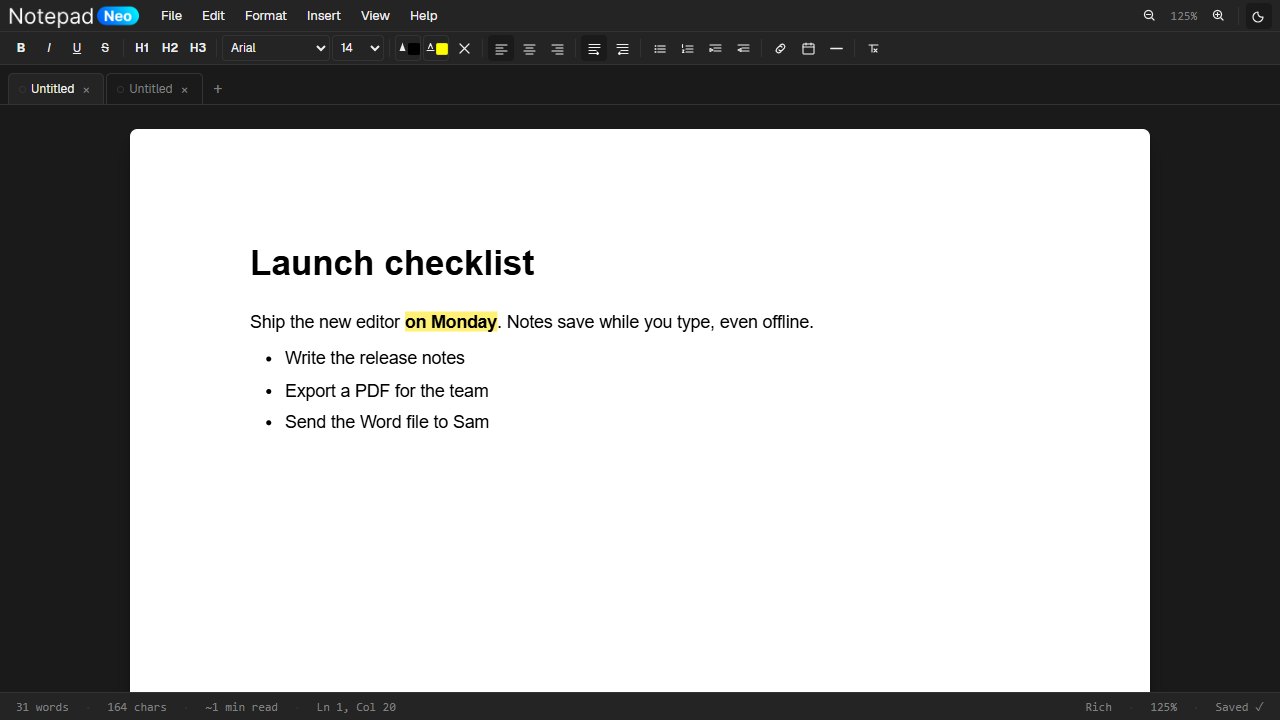
An online notepad is a text editor that runs in a web browser. You open a web page, start typing, and the text is kept for you, with nothing to install. Some online notepads save your notes on their servers and ask you to sign up. Others, like Notepad Neo, keep everything in your browser and need no account.
Online notepad, Windows Notepad and Google Docs compared
| Notepad Neo | Windows Notepad | Google Docs | |
|---|---|---|---|
| Install | None, opens in a browser | Comes with Windows | None, needs a Google account |
| Where notes are kept | In your browser | Files on your PC | Google's servers |
| Formatting | Fonts, headings, lists, colours | Mostly plain text | Full documents |
| Works offline | Yes, once loaded | Yes | Only if set up |
| Sharing | Export Word or PDF | Send the file | Share a link |
What people use an online notepad for
- Quick notes during a call or a meeting.
- Drafting an email or a post before pasting it somewhere else.
- To-do lists and shopping lists.
- Cleaning up text copied from a web page or a PDF.
- Writing on a work or school computer where you cannot install software.
How to use an online notepad in four steps
- Open the free online notepad.
- Click the page and type. The note saves itself as you write.
- Use the toolbar for headings, lists and colours, or learn the keyboard shortcuts.
- When you need a file, export it to Word or PDF (here is how).
When an online notepad is not the right tool
If you need the same note on your phone and your laptop, or several people editing at once, use a synced service such as Google Docs or Google Keep. A notepad that keeps notes in your browser is best for private, quick writing on one device. For a side-by-side look at eight options, see free online notepads compared.
Quick answers
Is an online notepad safe for private notes?
With Notepad Neo the text never leaves your browser and there is no account, so nobody else can read it. Avoid shared computers for anything sensitive.
Does an online notepad work without internet?
Notepad Neo keeps working offline once the page has loaded, and installing it as an app lets it open offline too.
Is an online notepad free?
Many are. Notepad Neo is free with no paid plan and no sign-up.
Free, no sign-up, and your notes stay on your device.
Open the free online notepadMore guides
- How to recover unsaved notes Where an unsaved note really lives, how to get it back in Notepad Neo and in Windows Notepad, and how to stop losing text.
- How to save notes as a Word document or PDF Export a note to .docx or PDF in two clicks, keep the formatting, and convert an old .txt file the same way.
- Notepad keyboard shortcuts: the full list All the shortcuts for formatting, tabs, search, saving and full screen, with the Mac equivalents.