How to recover unsaved notes
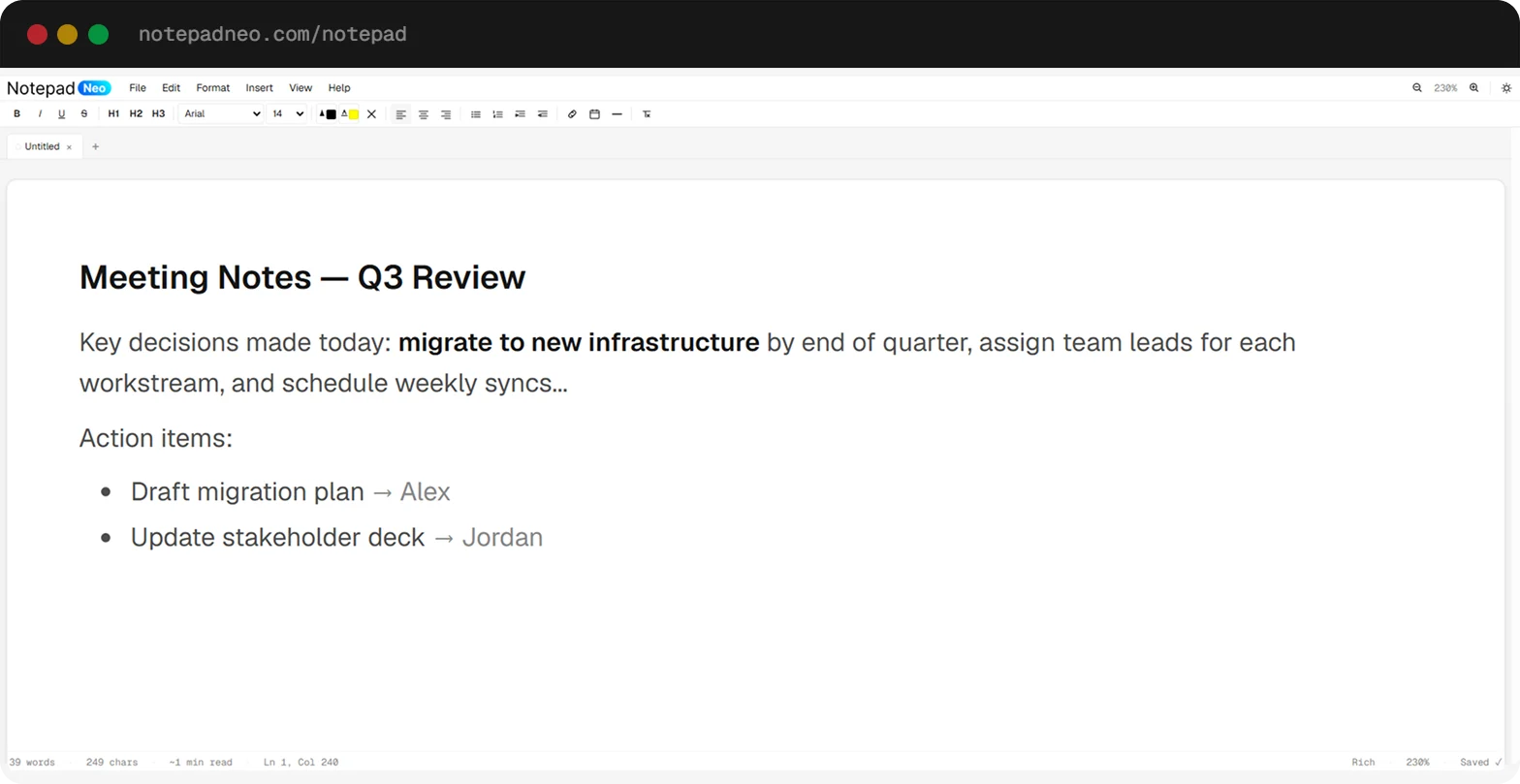
Closing a tab before saving does not always mean the text is gone. Whether you can get a note back depends on one thing: where the app kept the note while you were typing. This guide covers an online notepad that saves in your browser, Windows Notepad, and the habits that make recovery unnecessary.
Recover a note in Notepad Neo
Notepad Neo writes every note to your browser's local storage about every half second, so there is no unsaved state to lose. If a note seems to be missing, work through these steps:
- Reopen the notepad in the same browser. Go to the free online notepad in the browser and profile you used before. Your tabs and their text are restored automatically.
- Check the other tabs. Each note has its own tab above the page. A note that looks lost is often sitting in a tab you opened later.
- Try the browser you used last time. Notes are stored per browser and per profile. Chrome, Edge and Firefox each keep their own copy, and so do separate Chrome profiles.
- Undo a deletion right away. If you selected text and deleted it by mistake, press Ctrl+Z before you reload the page.
Two situations cannot be undone. A private or incognito window deletes its storage when you close it, and clearing your browsing data for the site deletes the notes too. Nothing is stored on a server, so there is no other copy.
Recover unsaved text in Windows Notepad
Recent versions of Notepad on Windows 11 reopen the tabs from your last session, including tabs you never saved. Open Notepad again and look for the tab you lost.
If it does not come back, Notepad was probably set to start a new session, which discards unsaved tabs when you close the app. Change that in Notepad's settings so it continues your previous session next time. The older Notepad in Windows 10 has no autosave: if you closed it and chose not to save, the text was never written to disk.
How to stop losing notes
- Export anything important. Use File → Export as Word (.docx) or Export as PDF to keep a copy outside the browser. See how to save notes as Word or PDF.
- Avoid private windows for long notes. Their storage is deleted when the window closes.
- Install the notepad as an app from the address bar. It gets its own window, works offline and is harder to close by accident.
- Keep one browser for your notes. Switching browsers is the most common reason a note seems to disappear.
Quick answers
Does Notepad Neo save notes automatically?
Yes. It saves to your browser about every half second, and the status bar shows Saved once the latest change is stored.
Can I recover notes after clearing my browser data?
No. Clearing site data deletes the notes, and there is no copy on a server. Export the notes you want to keep.
Why is my note missing in a different browser?
Notes are stored per browser and per profile. Open the notepad in the browser you used before and the note will be there.
Free, no sign-up, and your notes stay on your device.
Open the free online notepadMore guides
- How to save notes as a Word document or PDF Export a note to .docx or PDF in two clicks, keep the formatting, and convert an old .txt file the same way.
- Notepad keyboard shortcuts: the full list All the shortcuts for formatting, tabs, search, saving and full screen, with the Mac equivalents.
- What is an online notepad, and how do you use one? A plain explanation, how it compares with Notepad and Google Docs, and when an online notepad is the right tool.